
During the live
AI Co-host: A Livestream Assistant That Handles Chat Without Sounding Robotic
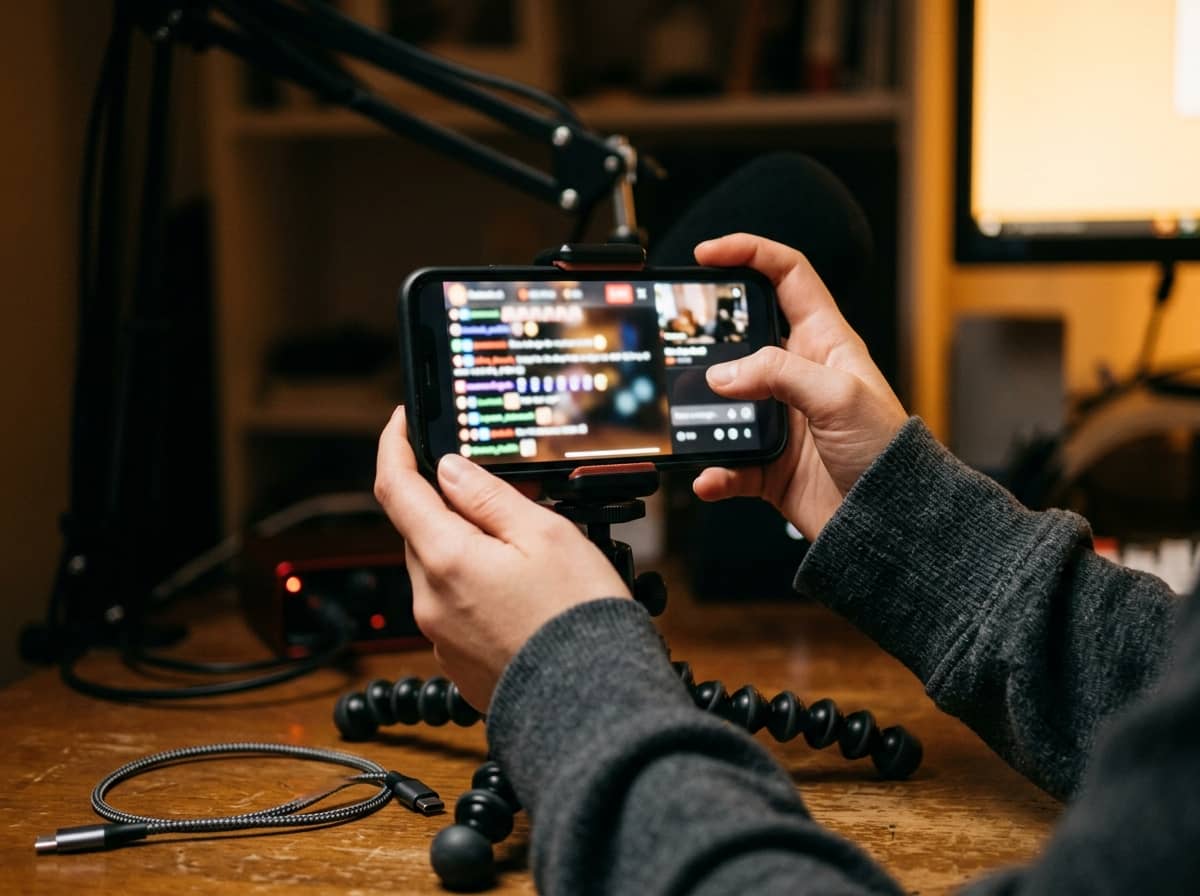
When chat moves fast, it's hard to talk, demo a product and read every question at once. An AI co-host exists to fix exactly that bottleneck. Put simply, it's a background assistant that watches chat and makes suggestions to you. It doesn't have to appear on screen.
Three levels of use
- Summarize chat for you: AI groups similar questions and tells you what viewers care about. Lowest risk, so start here.
- Suggest replies for you to approve: AI drafts answers, you read them and decide whether to say them. A good balance of speed and control.
- Answer simple questions on its own: only for fixed content such as delivery times or how to order, and always with a person supervising.
Set it up so it's actually useful
- Write an FAQ: price, sizes, delivery, returns, how to use. The clearer it is, the less AI has to guess.
- Set priority rules: questions about the product on screen matter more than general ones.
- List topics that must go to a real person, such as complaints, personal data or health issues.
- Describe your tone so suggestions sound more like you.
- Prepare timed reminders for products and offers from your script.
Risks to control
The biggest risk is AI giving the wrong price, wrong benefit or a promise you don't want to make. Always keep a brake: you decide what gets said. Also filter spam or offensive comments before AI handles them.
How to measure it
Compare before and after: how many questions you answered, how many were missed, and whether the flow of the live felt smoother. Don't look only at sales, since many other factors affect them.