
Workflow
Turn One Livestream into Many Short Videos: An AI Clipping Workflow
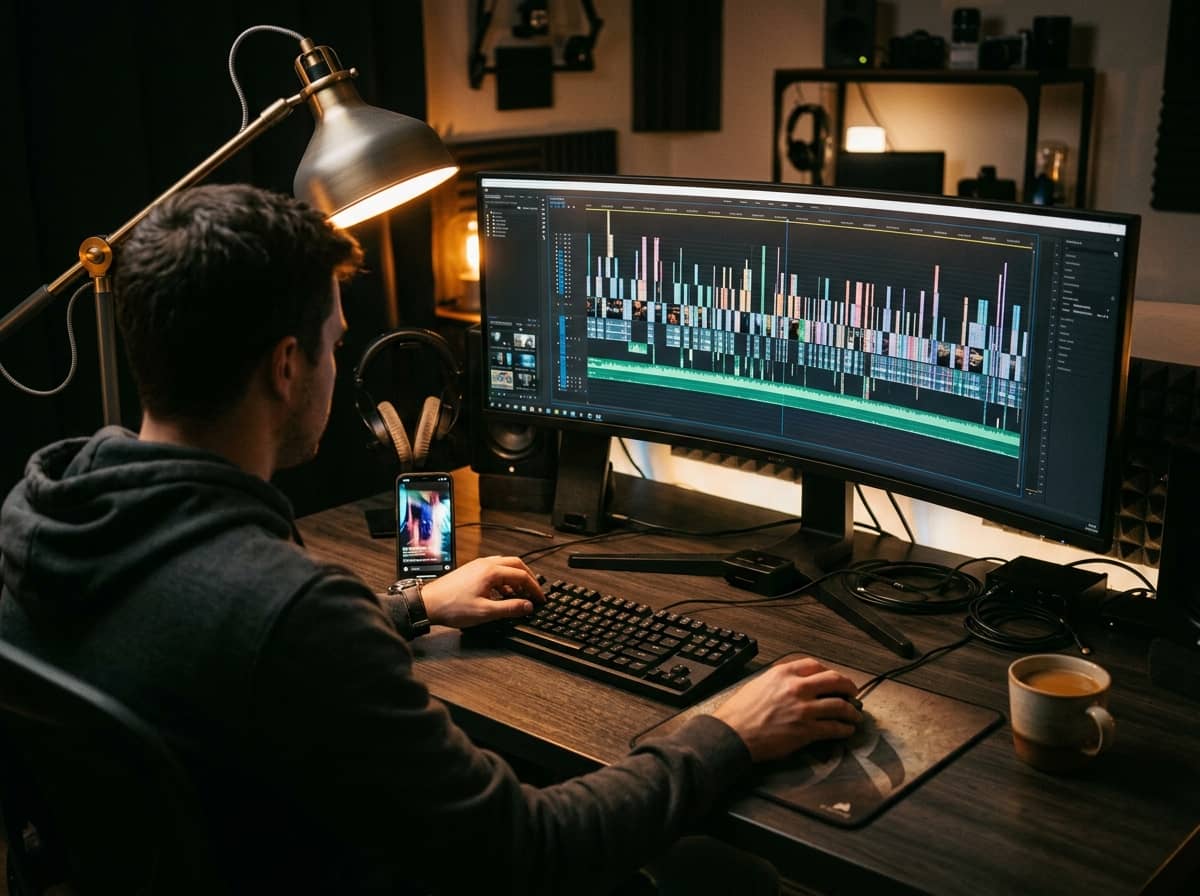
A long livestream is an untapped content library. Within two hours on air there are usually moments worth sharing: a good answer, a tight demo, a surprising reaction. If they stay buried in the recording, you're missing the chance to reach people who have never watched your live.
A 5-step workflow
- Get the recording and transcript: export the live and generate a time-stamped transcript. This is the raw material for every later step.
- Find the moments: give the transcript to AI and ask it to mark good questions, product demos, funny moments or persuasive closing lines. You should still review them to pick the truly good ones.
- Cut vertical and add captions: switch to 9:16, add automatic captions, then fix the terms AI misheard. Many people scroll with the sound off, so captions matter.
- Write titles, descriptions and hashtags: ask AI for a few options per platform, since titling works differently on TikTok, YouTube Shorts and Facebook Reels.
- Schedule posts: spread clips over several days rather than posting at once, then see which performed best and cut more like them.
What does an effective clip have?
- A hook in the first few seconds, no long greeting.
- One complete idea that makes sense without watching the whole live.
- Clear captions that are easy to read on a phone.
- A light call to action at the end, such as inviting people to the next live.
Common mistakes
- Cutting away context so a sentence is misunderstood.
- Automatic captions that get product names or terms wrong.
- Using the same caption on every platform.
- Using music or images you don't have rights to.